Rune Deck
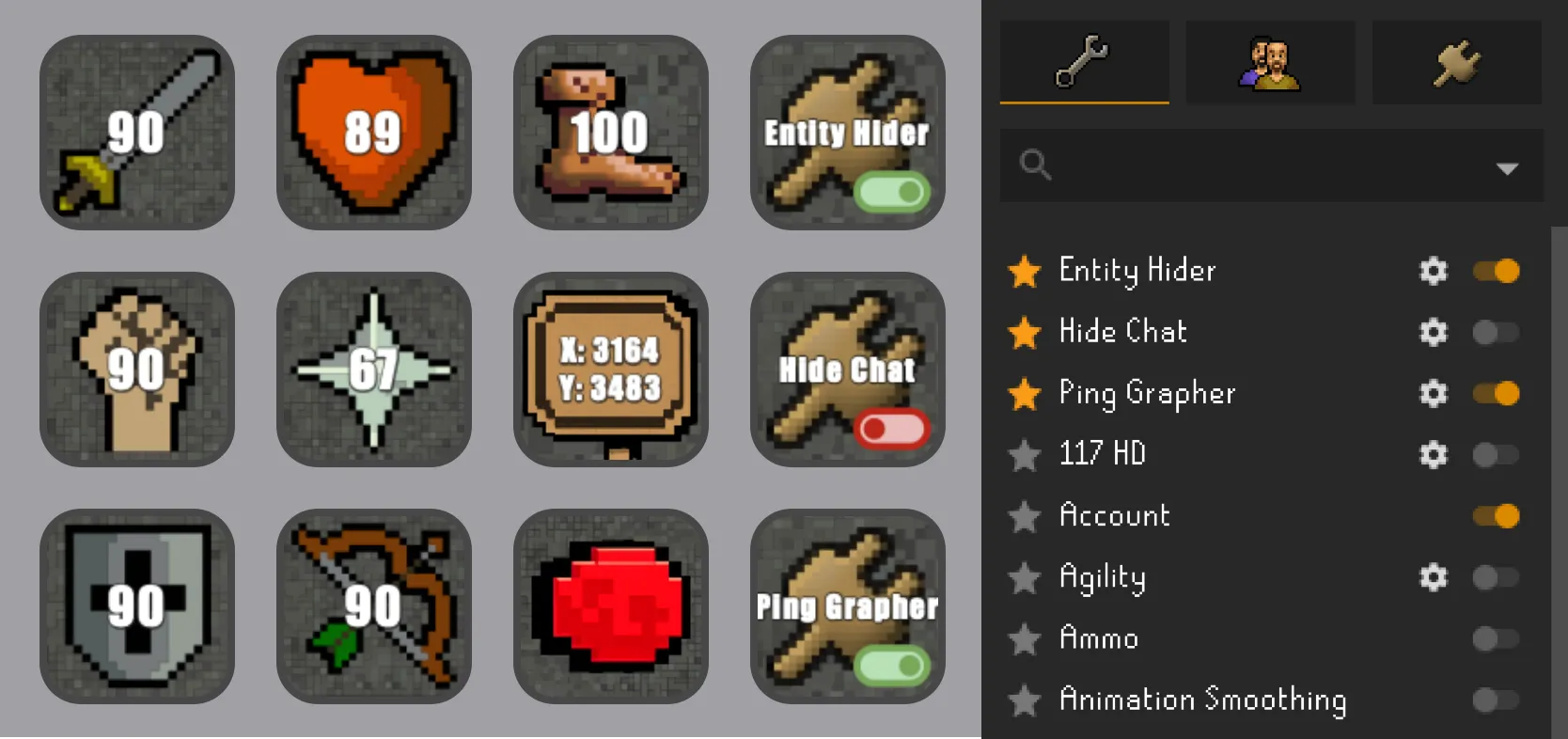
A Stream Deck plugin for Old School Runescape! Keep track of your HP, Prayer Points, Idle Status, and more in OSRS. Toggle your RuneLite plugins on and off at the press of a button.
Getting Started
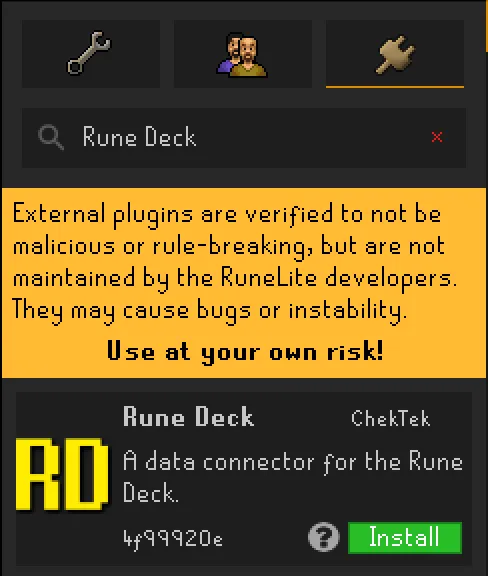
Install Rune Deck from Elgato Marketplace. Once the plugin is installed in Stream Deck, open RuneLite’s built-in Plugin Hub and search for Rune Deck. The Rune Deck companion plugin communicates with Stream Deck at tick-level precision so your keys stay current while you play.
Actions
Once you have Rune Deck installed and set up, you can add the following actions to your Stream Deck:
Skill
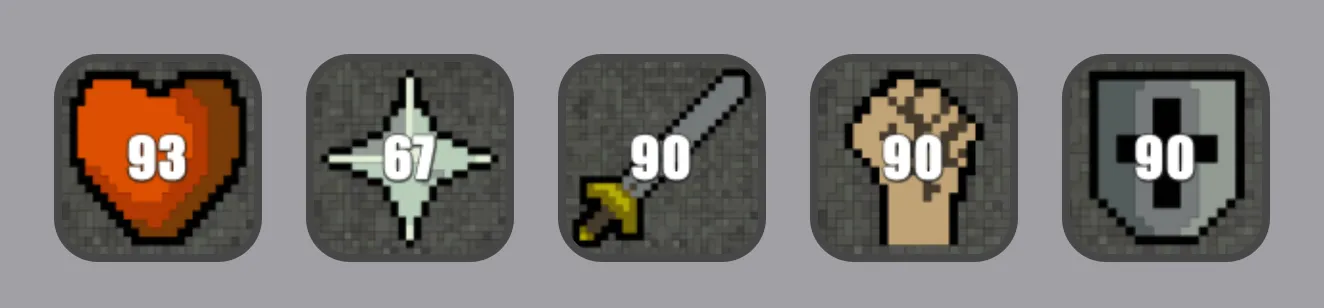
Keep track of your current levels in all 24 skills in OSRS. This is especially useful when AFK and you need to keep an eye on your HP or Prayer Points! Set a warning and alert threshold for each skill to highlight the key when you need to take action.
FPS
Display your current in game FPS.
Activity
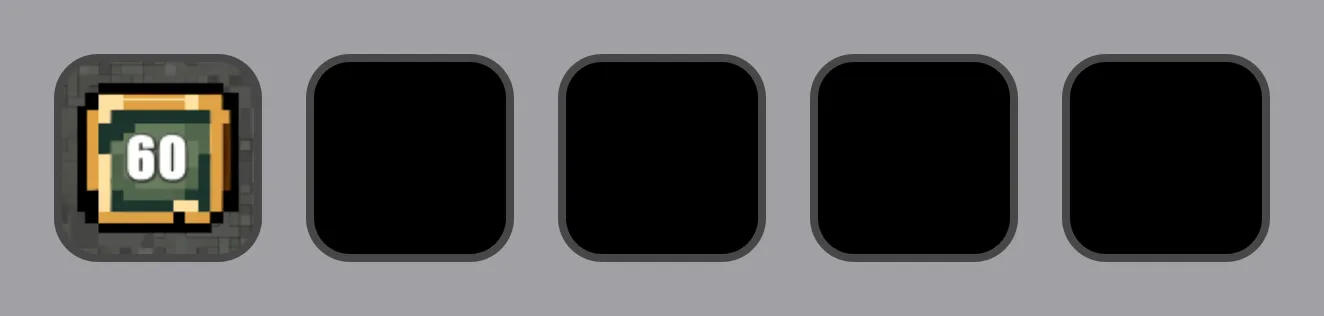
Displays your current idle status. Quickly return to the game when you see that your character stops moving or performing an action.

Energy
Displays your current run energy.
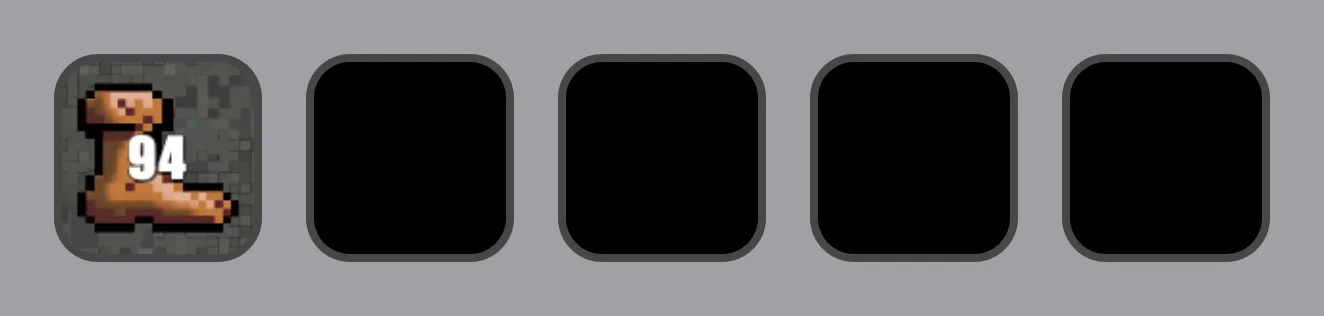
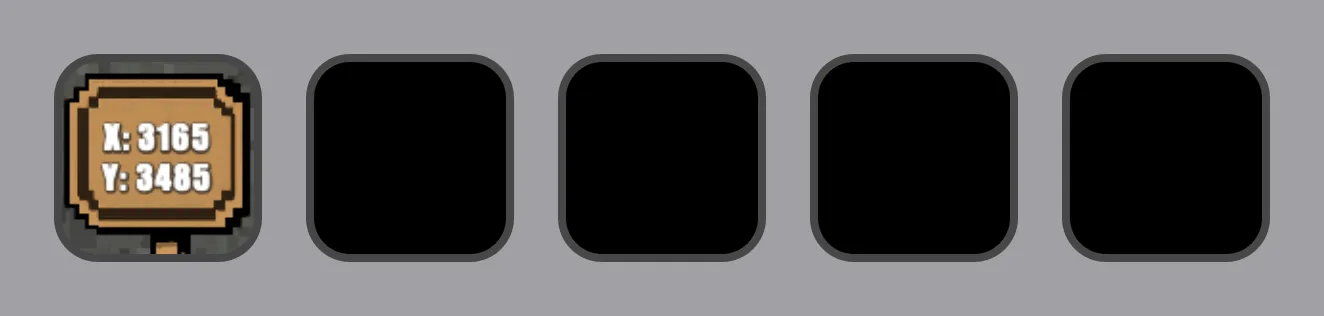
Coordinates
Display your current in game coordinates.
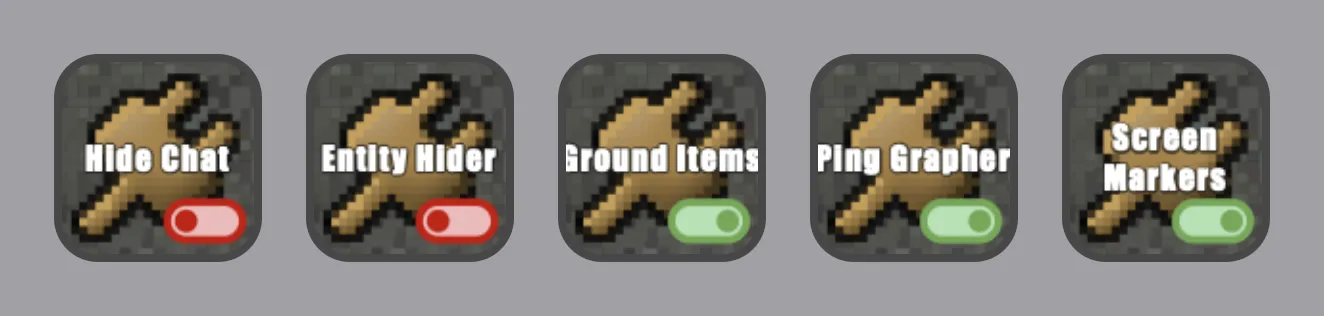
Plugin
Toggle your RuneLite plugins on and off at the press of a button. No more digging through menus to find the plugin you need!
Rune Deck supports macOS and Windows. For setup help or feature requests, visit ChekTek Support.