CleanShot Connect
CleanShot Connect is a powerful Stream Deck plugin designed to seamlessly integrate with the CleanShotX screen capture tool. This plugin allows users to take control of their screen recording and capturing experience directly from their Stream Deck device.
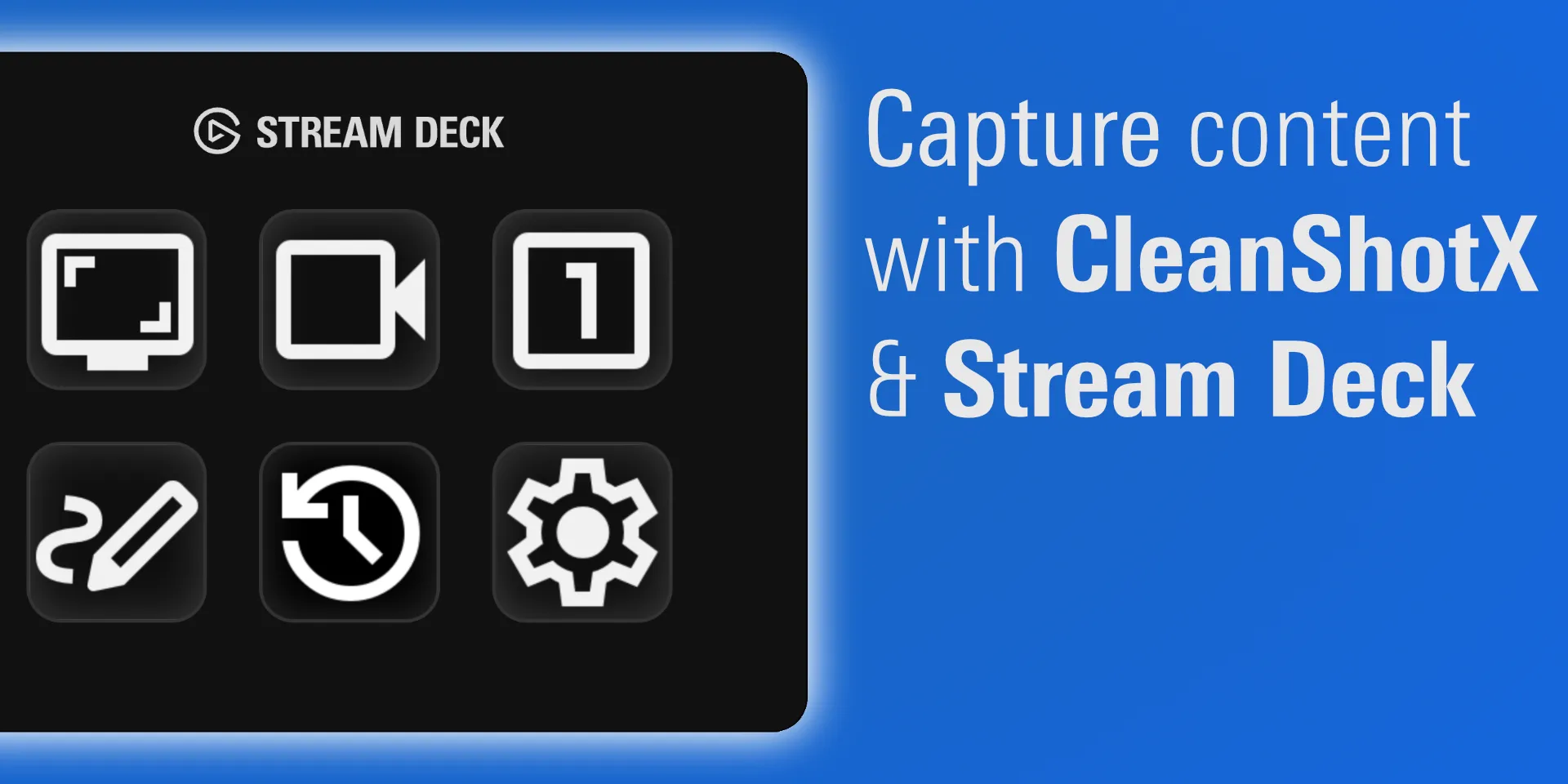
Install CleanShot Connect from Elgato Marketplace. The plugin requires CleanShot X and supports Stream Deck on macOS.
Plugin Actions

- All In One — Open CleanShot X’s flexible capture menu.
- Screenshot — Capture the full screen, an area, a window, or a scrolling region, and pin captures when needed.
- Screen Record — Start a screen recording from Stream Deck.
- Text Recognition — Run CleanShot X OCR without navigating its menus.
- Annotate — Open the annotation workflow.
- Show/Hide Desktop Icons — Clean up your desktop before a capture.
- History — Reopen recent captures.
- Settings — Jump directly to CleanShot X settings.
For help or feature requests, visit ChekTek Support.